
VendorCADBe the supplier who gets designed in first.
Your customers are comparison-shopping. Give them a configurator: they size the part, see the geometry, download STEP immediately, and keep designing while other suppliers are still parsing a PDF.
How to engage
Checklist. Walkthrough. Call. Pilot.
Pick the next step that fits — from a one-page checklist to a Validation Pilot.
01
Designed-In Checklist
Confirm family fit and STEP readiness.
02
Schedule a call
We screen-share configure → 3D → STEP → quote.
03
Discovery call
Scope one family and timeline.
04
Validation Pilot
Done-for-you on one product family.
In the live demo
One pass: configure → live 3D → STEP → quote. No fake metrics.
Configure
Size the part with the knobs buyers would use.
Live 3D
Watch geometry update as rules apply.
STEP download
Export-ready solids when the configuration passes gates.
Quote inbox
Exact-spec request lands with the configuration attached.
Tour the manufacturer App.
Dashboard through CAD, rules, publish, share, and quote inbox.
Screenshots from the live tenant.
Summit Pipeworks — the same workspace you can open in the demo.
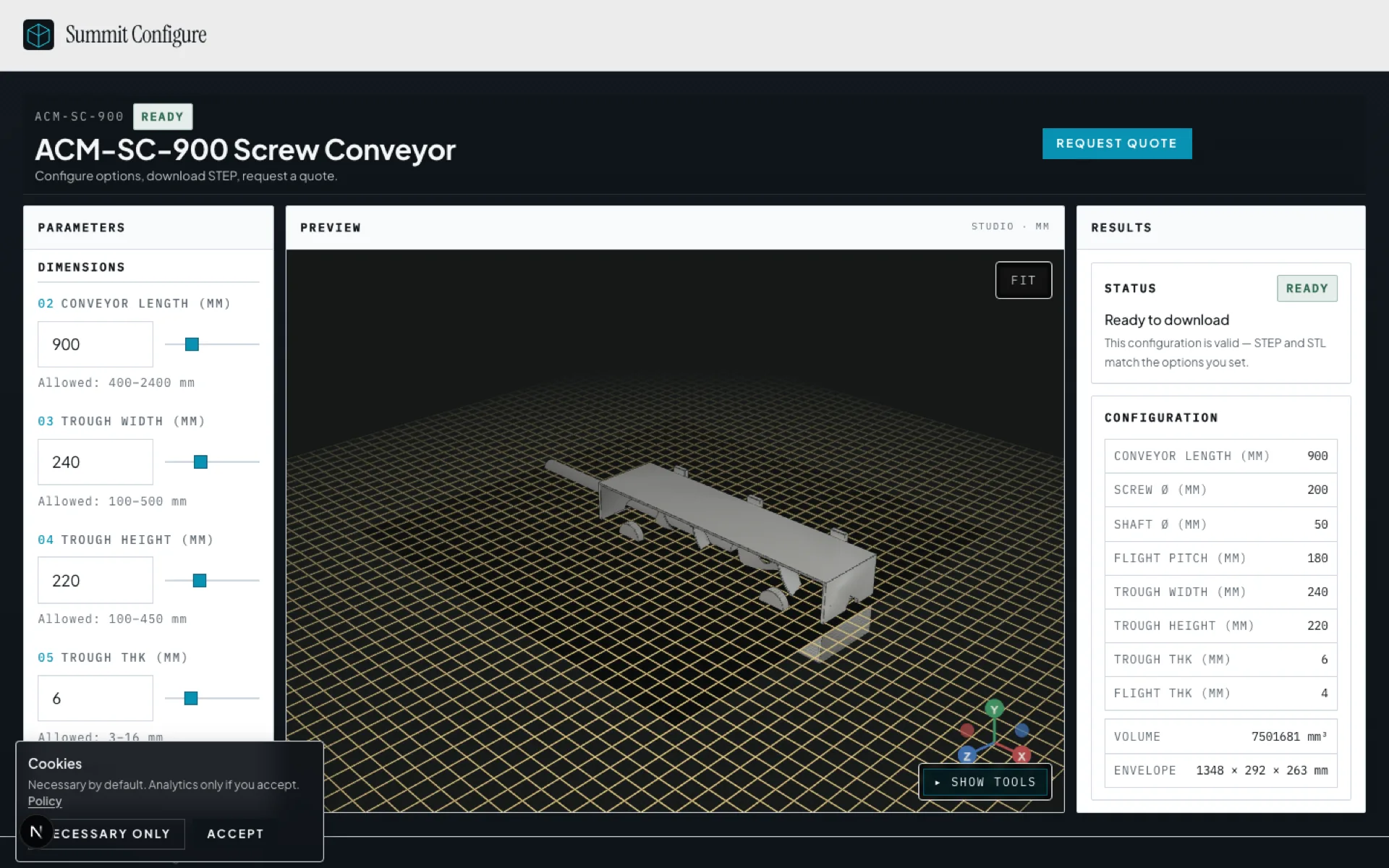
Branded share link
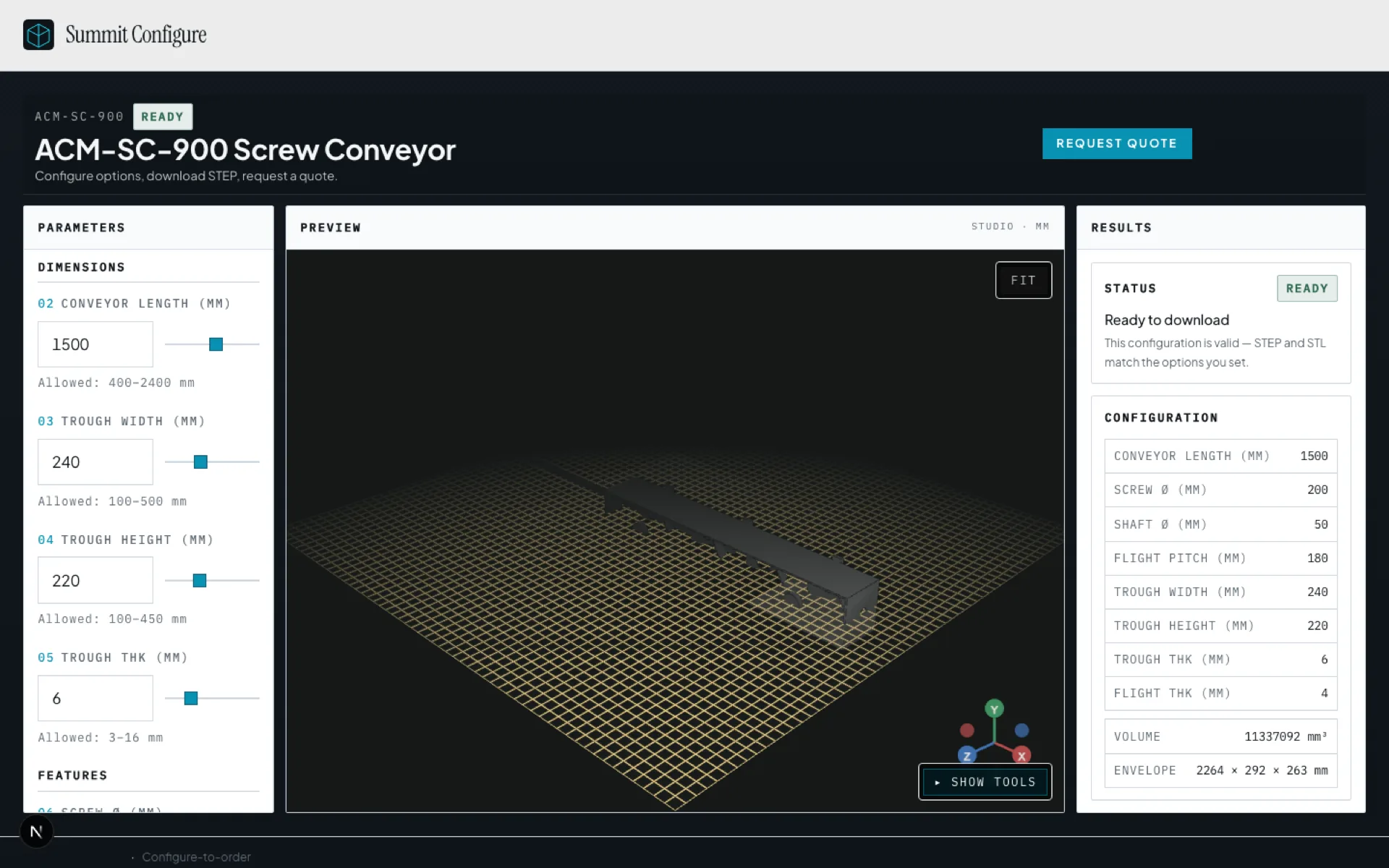
Live 3D preview
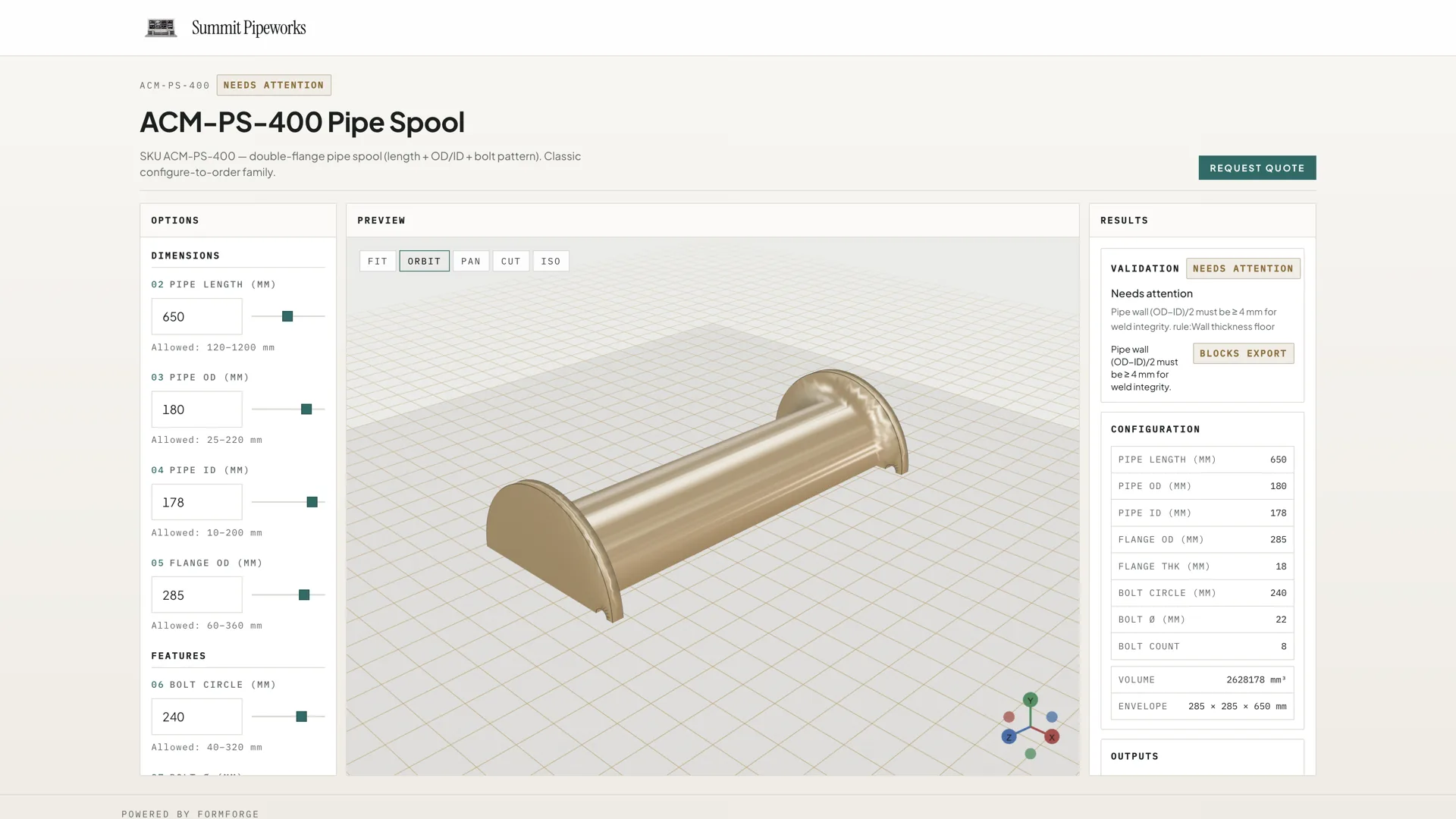
Rules block invalid configs
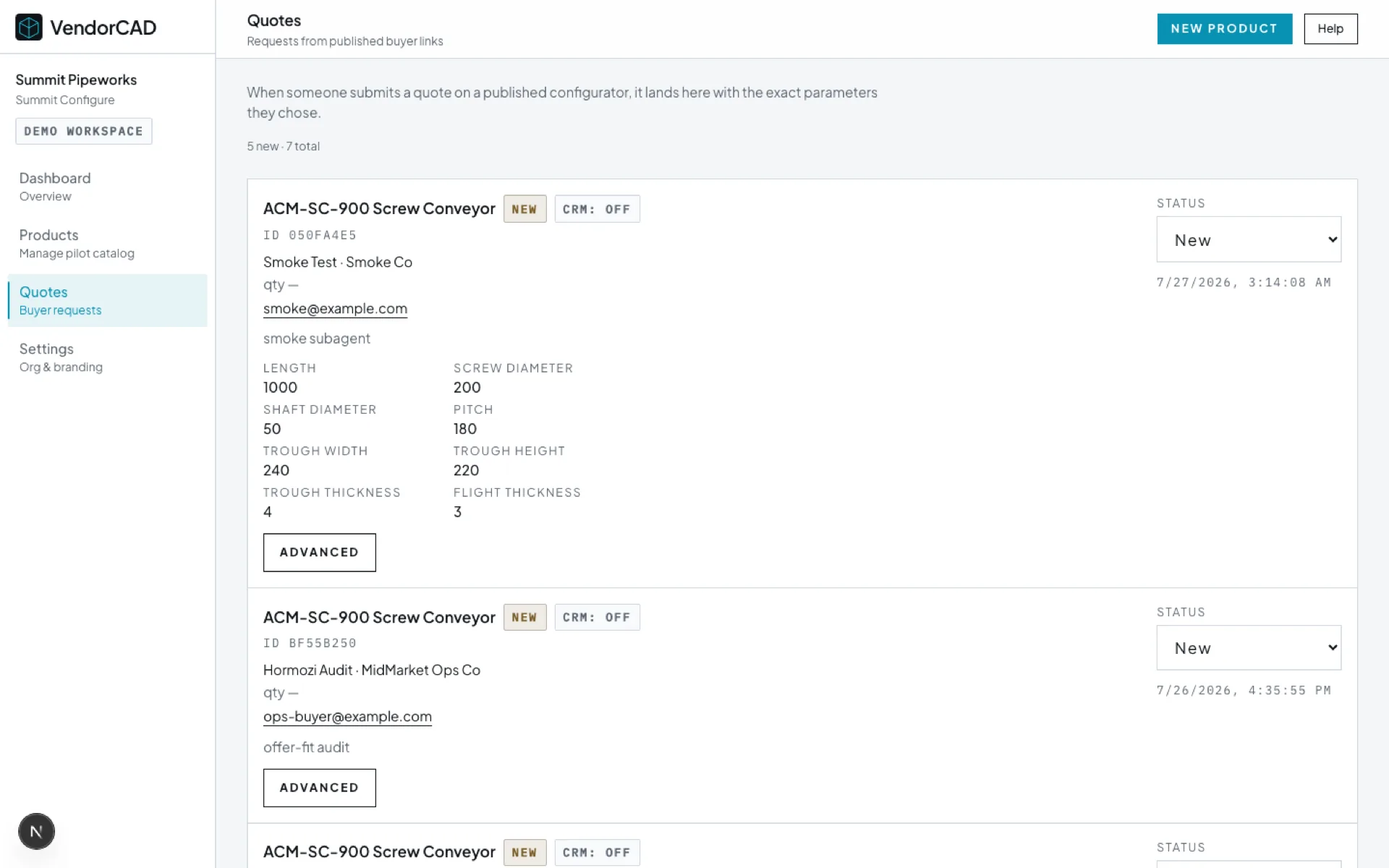
Quote → App inbox
Built for the RFQ race.
- Manufacturers with repeatable, rule-bound product families in multi-bid RFQs
- Champions who own win rate / designed-in placement (owner, sales, or eng lead)
- Teams ready for a Validation Pilot (DFY, one family) before expanding the catalog
PDF to five suppliers. Wait. Guess.
- Download a long dimension PDF and second-guess whether every field is right
- Send it to five suppliers and wait. Each engineer interprets it to the best of their ability
- Ambiguity is baked in before anyone builds a model
- A STEP comes back eventually, maybe, and maybe it matches what they meant
- Only then can they drop it into the assembly and keep working: friction, delay, and doubt, five times over
See it. Get STEP. Keep designing.
- Customer configures on your site and sees the geometry, so the request is unambiguous
- Downloads STEP immediately, drops it into their assembly, and keeps working now
- Quote request goes in with the exact spec attached
- You win because their design is built around your part while other suppliers are still parsing a PDF
Both halves: higher win rate for you, and clear geometry for their customer.
Config in. Exact-spec quote out.
Their customer locks the geometry. The frozen request lands in your inbox with the STEP attachment.
Frozen STEP in. Adjustable recipe. STEP they can use.
01
One frozen STEP
Your correct part at one size, shop conventions and all. Ground truth we build against.
02
Parametric recipe
We rebuild so dimensions are knobs and related geometry recalculates. That parameterization is the product.
03
Web knobs
Sliders on your site send numbers to those variables. Customer sizes the part; live 3D updates.
04
Fresh STEP out
They download a ready-to-use STEP into their assembly and quote with the exact spec. You get designed in first.
Know DriveWorks?
Same configure job. Designed-in STEP.
Same configure job. VendorCAD ships a branded share link with designed-in STEP.
Sales opens the link mid-call. Buyers see live 3D as rules apply.
When the configuration passes gates, they download manufacturing-ready STEP.
Quote requests land with the exact spec attached, ready for the App inbox.
Where first-to-STEP wins the RFQ.
Beachhead families we prove first. Sales share links mid-call, then expand the catalog.
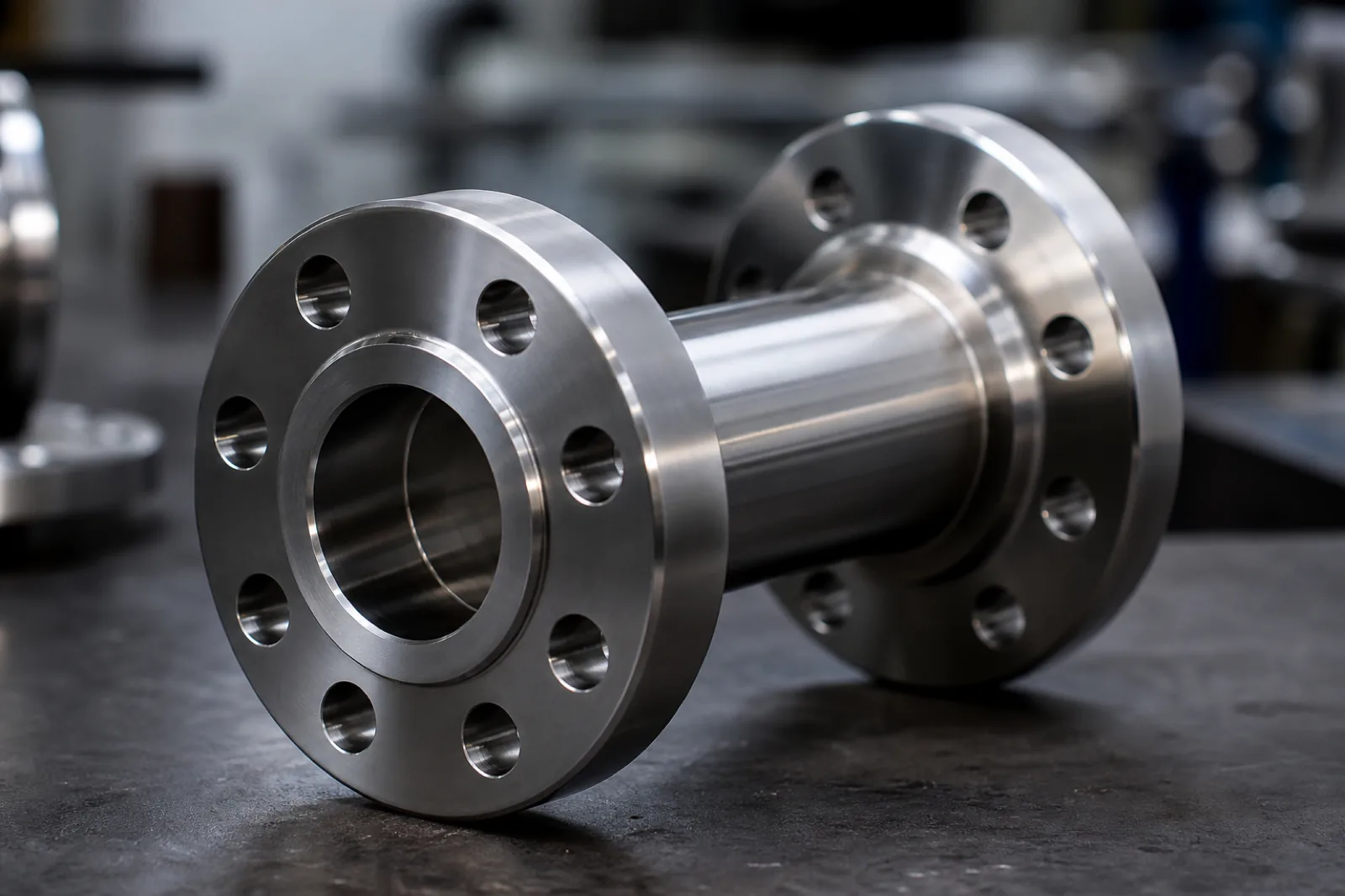
Pipes & fittings
Buyer sizes diameter, length, ends, downloads STEP, and keeps designing while other shops still read the PDF.
See use case →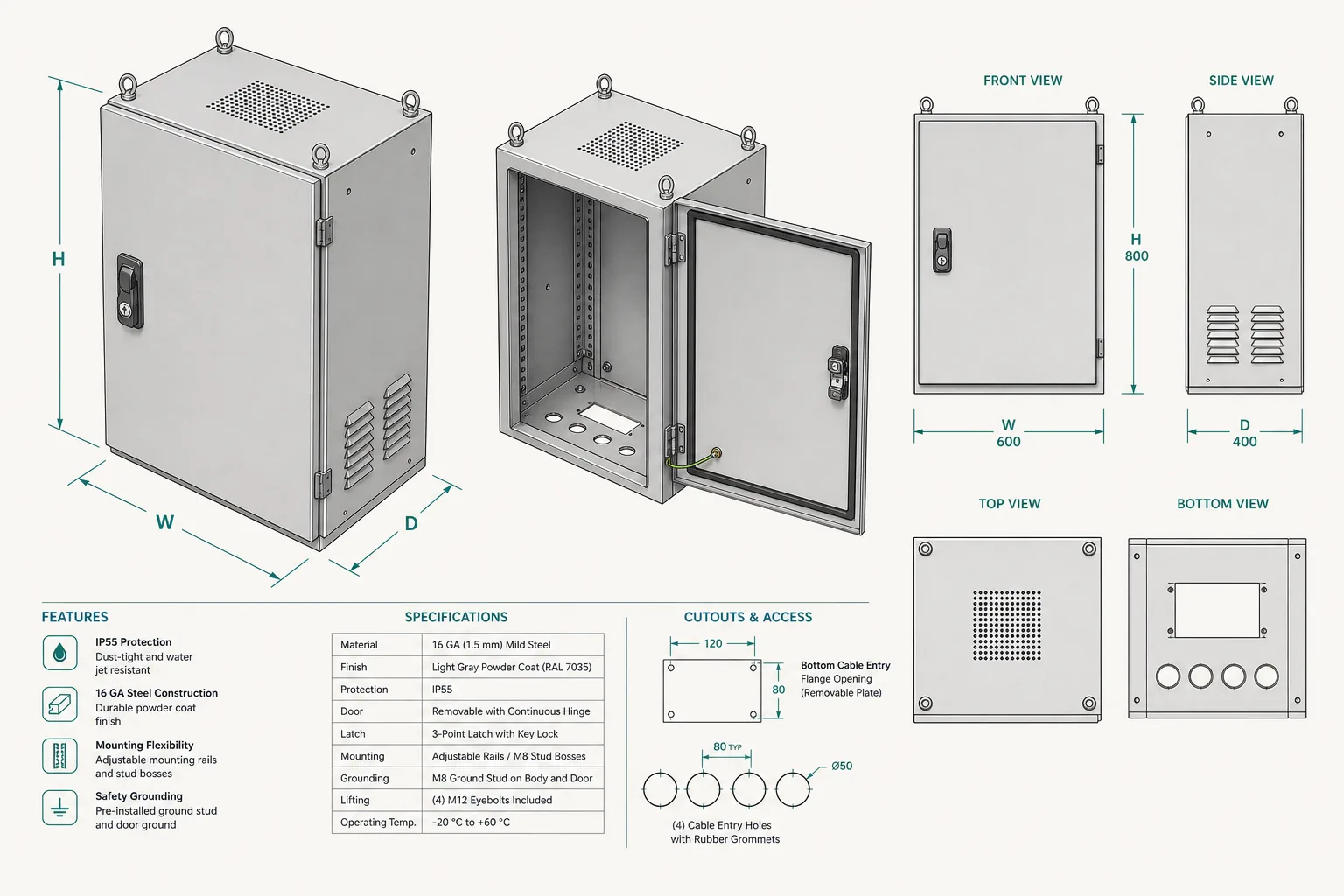
Enclosures
Size, cutouts, and mounting with live geometry. Exact-spec quote with clear dimensions.
See use case →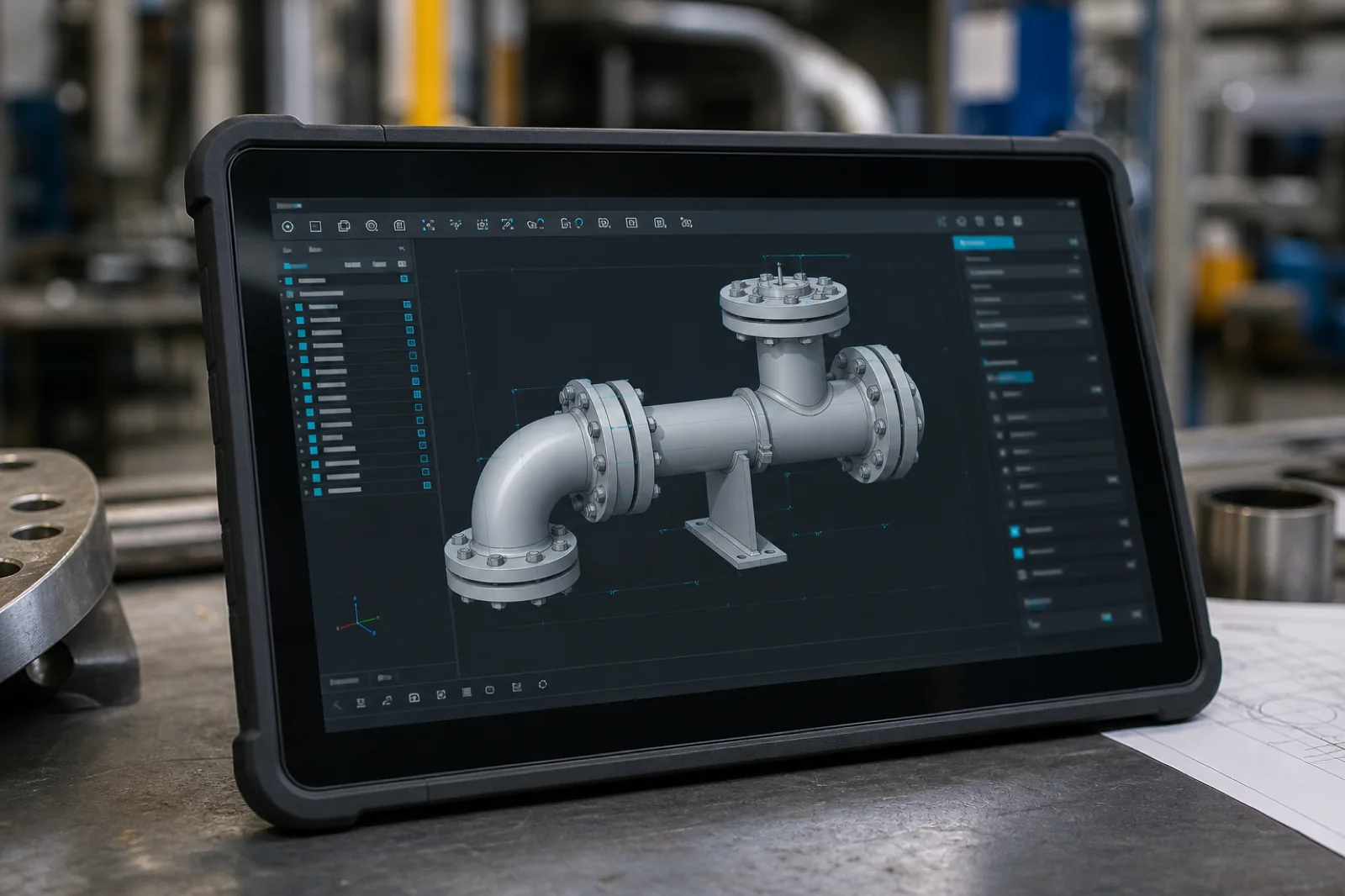
Dealer quote tools
Branded configurators mid-call. Customer sees the model and can design-in before the call ends.
See use case →
Objections, answered early.
VendorCAD sits on top of your parametric product rules. Engineers keep their CAD seats and PLM. Approved options become a web configurator so buyers can see geometry and download STEP without opening a CAD ticket.
Same configure job: size the part, validate rules, move toward a quote. VendorCAD is built around a branded share link, live 3D, and manufacturing-ready STEP so sales can get you designed in mid-call. Start with the live demo or a Validation Pilot on one family.
Both. The browser uses a lightweight 3D preview (GLB). When the configuration passes export gates, buyers download manufacturing-ready STEP solids, plus structured parameter data so the quote carries the exact spec.
VendorCAD is a CAD-backed configurator for manufacturers who need specification lock in multi-bid RFQs. It encodes manufacturable rules and emits STEP for assembly design-in.
Next step
Start with a Validation Pilot.
One product family, done-for-you. We prove the share link with you, then decide on a catalog.